
Register a new account
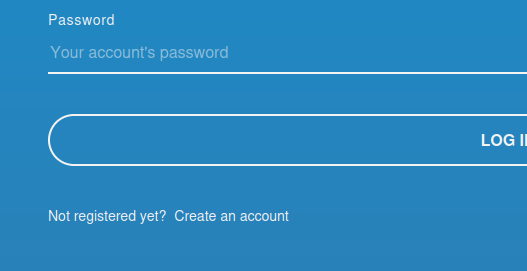
Head over to the OpenQDA website at openqda.org. You will see the default login screen. Below the login form you will have the option to create an account by clicking on "Create an account":
Fill out the registration form
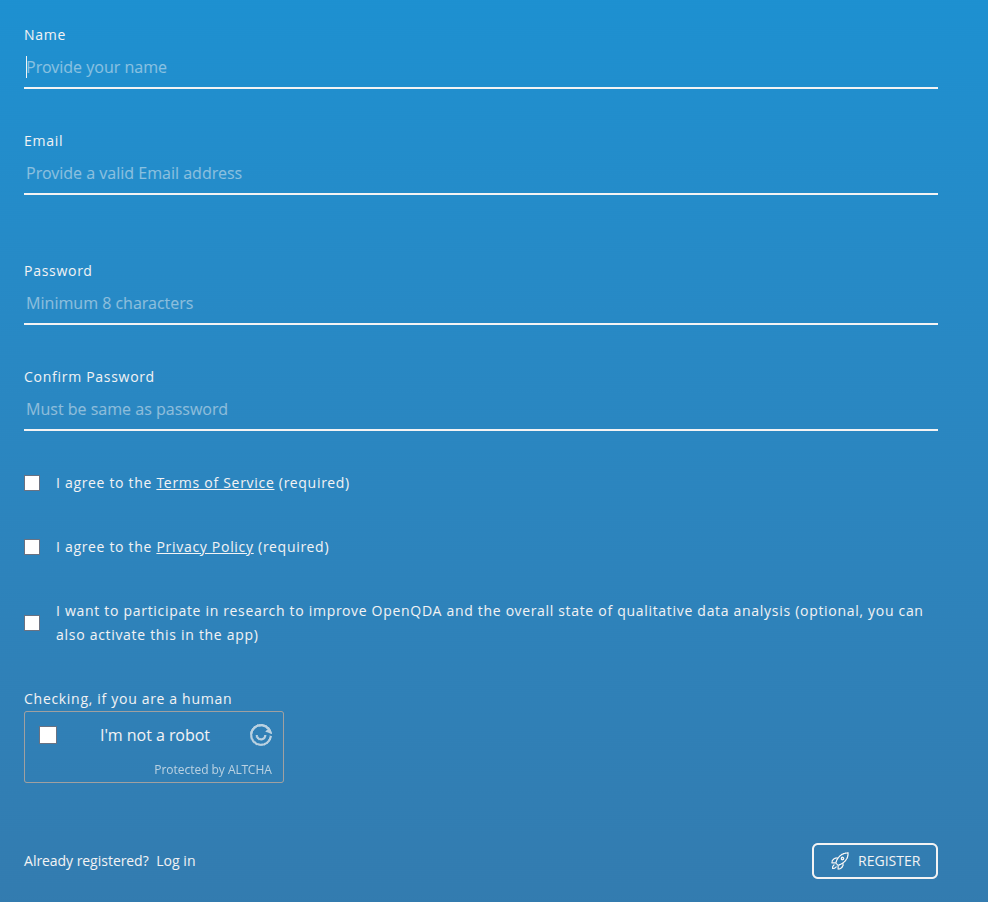
Now fill out the register form with your name or pseudonym, your email and a secure password.
TIP
While currently it is only required that your password consists of a minimum of eight characters, we recommend using a password manager. If you do not use a password manager, then we recommend a mix of letters, numbers and special characters.
You will have to confirm that you read and accept the terms of service and privacy policy. Optionally, you can participate in our research by accepting the research consent. If you are unsure, you can still decide later within the app.
You will also have to confirm that you are not a robot. For this check we are not sending any data to third parties, because the human verification tool is self-hosted on our servers.
Verify your account
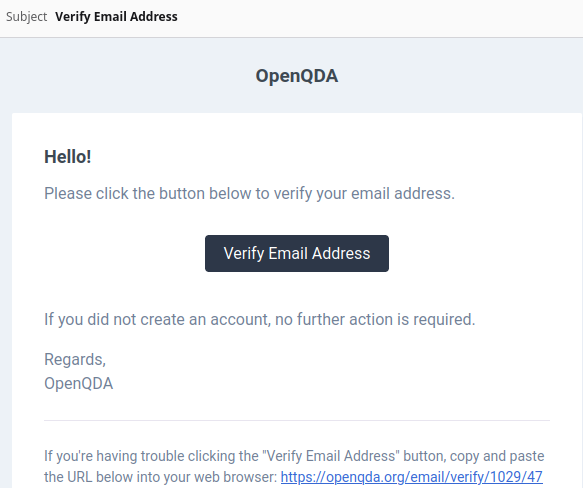
A verification email should have been sent to the email address you provided - please open it and click the link to verify your email address and complete the registration process. Please also check the spam/junk folders to make sure you received the email in time.
TIP
Check your spam or junk folders for any emails from OpenQDA. If you still haven't received any email, also make sure your email address was written correctly.
Now that you are verified, you can log into OpenQDA with your mail address and password and start using the software by either editing your profile or creating a new project for data analysis.