Sorting Codes
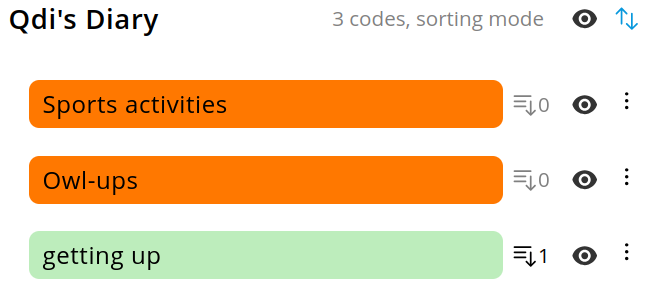
Sorting codes is an essential step in organizing and managing your coding scheme effectively. In order to activate sorting, click on the sorting button on the very right of the codebook entry.

The button will turn active and the label "sorting mode" will appear, indicating the sorting mode being active.

Now you can sort codes simply via drag and drop. Note, that moving a code will preserve its children.
⚠️ Don't forget to deactivate sorting after you are done by clicking on the sorting icon again.
Hierarchy
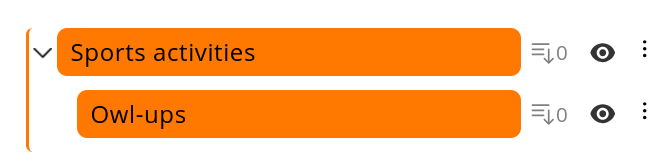
In OpenQDA codes can be recursively hierarchical. This means a code can have zero, one or more subcodes, which in turn can have the same, and so on. It also allows you to move codes across hierarchical levels.
↓